Samsung Unveils Galaxy S26 Ultra with Revolutionary Built-In Privacy Display and AI Features
April 18, 2026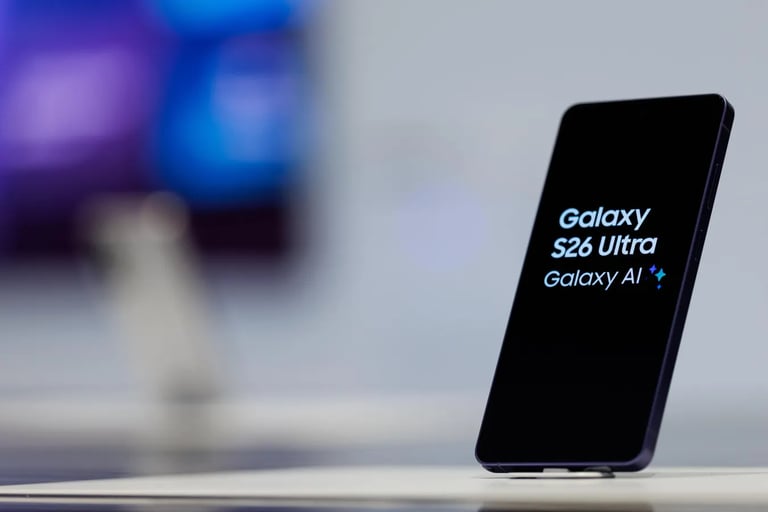

Samsung launches the Galaxy S26 Ultra with the world’s first built-in Privacy Display, a hardware-based feature that protects privacy at the pixel level using a Black Matrix structure to narrow light paths and prevent shoulder-surfing while keeping front-view clarity.
Privacy Display can be toggled on/off and selectively hides screen content from side views, with the ability to designate which apps or content are private for audience-specific privacy.
Samsung’s Galaxy AI strategy focuses on reducing daily stress by automating tasks, such as finding a holiday photo and sharing it directly in messages, illustrating practical AI in everyday workflows.
Experts note the technical difficulty of selective privacy and warn competitors may attempt to copy the approach, but Samsung currently leads in this solution.
Users can specify private apps or content, simplifying privacy management and addressing shoulder-surfing concerns.
The interview highlights Samsung’s evolving camera strategy, including high-megapixel sensors and use cases like on-the-go video, podcasts, improved front-camera performance, and significantly better low-light video capture.
Key privacy features include Private Album for secure media, Proactive Privacy Alerts about apps accessing sensitive data, and Intelligent Call Screening that uses Galaxy AI to identify callers and summarize intent.
Samsung markets the device under an ‘Engineered Trust’ banner, embedding privacy into hardware design and emphasizing practicality in public or crowded settings.
Privacy Display is presented as a core hardware innovation for real-life scenarios, reinforcing Samsung’s human-centric AI approach.
Samsung commits to seven years of security updates for the Galaxy S26 series, ensuring ongoing protection and trust.
Privacy Display operates by turning off horizontal pixels in selected areas, enabling selective privacy for apps or items like passwords with automatic setup to minimize manual configuration.
Privacy Display features include Mode Selection (Off, On, Maximum Privacy Protection), Intelligent Automation (auto-activation with apps or PIN entry), and Partial Screen Privacy (hiding sensitive notifications while leaving other content visible).
Summary based on 2 sources
Get a daily email with more Tech stories
Sources


ProPakistani • Apr 18, 2026
Family gathering Mein Bhi Privacy Ka Full Control with Samsung Galaxy S26 Ultra Privacy Display