Android 16 Enhances Multitasking with Flexible Split-Screen Ratios for App Pairs
January 17, 2026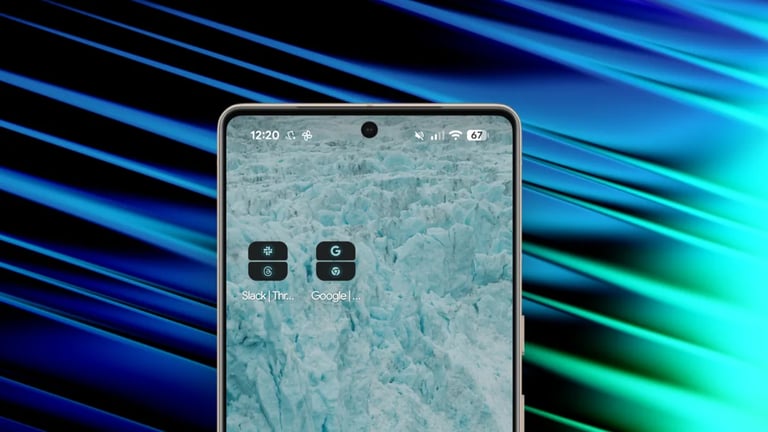

Android 16 introduces more flexible split-screen ratios for App Pairs, enabling 70:30 or 90:10 layouts to maximize usability on smaller screens.
Users can create App Pairs by selecting two apps in multitasking view, save them in a default 50:50 split, then adjust the divider to the desired ratio and save as a home-screen shortcut.
Android 16 remembers the last-used split ratio for each saved App Pair, speeding up setup for frequent pairings.
To configure a 70:30 split, users should leave extra space on the second app before saving the pair.
An example shows pairing Chrome (maximized) with Gemini (bottom dock) to achieve a 90:10 multitasking layout on a small screen.
In the example, Chrome remains the main app at 90% while Gemini docks at 10%, enabling quick research without losing access to the secondary app.
With the new 90:10 and 70:30 options, users can maximize one app while keeping a secondary app visible, improving multitasking workflows.
Android 15 already offered App Pairs, but on small devices like the Pixel 9a the 50:50 split was impractical, limiting usefulness.
Summary based on 2 sources
Get a daily email with more Tech stories
Sources

Lifehacker • Jan 16, 2026
Android 16 Makes Split Screen Easier on Smaller Screens
Lifehacker Australia • Jan 16, 2026
Android 16 Makes Split Screen Easier on Smaller Screens