Chrome for Android Blocks 7 Billion Daily Push Notifications to Combat Spam and Scams
August 12, 2026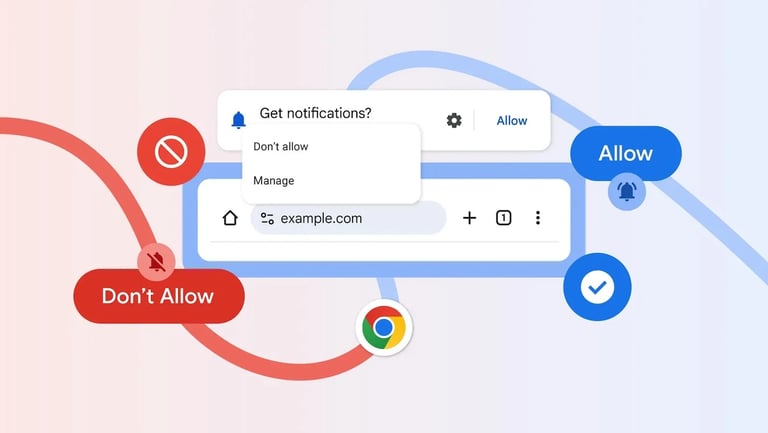

Google Chrome has rolled out a multi-layered defense against abusive push notifications, including automatic revocation of permissions for dormant or suspicious sites and a Safety Hub that lets users review and restore permissions.
The defense follows a Swiss cheese model, layering automatic permission revocation, detection of coordinated site behavior, content flagging, and rate limiting through Firebase Cloud Messaging to curb abuse.
Defenses also involve rate limits on the Push API and changes to the notifications permission model to strengthen user control over alerts.
A Google security blog explains these layered defenses reduce dangerous notifications by overlapping controls rather than relying on a single line of defense.
The initiative aims to shield users from deceptive or dangerous notifications while preserving legitimate alerts from trusted apps and breaking news.
Early data shows the system prevents roughly 7 billion notifications per day, reflecting the scale and resilience of the layered protections.
On-device machine learning analyzes notification content locally to protect privacy, though coverage may vary on older or budget devices due to hardware fragmentation.
Notifications are delivered alongside other app alerts, which can contribute to clutter and potential security concerns if not managed well.
In Q1 2026, Chrome reduced unwanted Android notifications by more than 7 billion per day through a multi-layer defense combining revocation, abuse detection, rate limiting, and on-device ML.
The protections rely on Chrome Security, Firebase Cloud Messaging, and Safe Browsing to detect abuse across the notification lifecycle and block over 7 billion unwanted Android notifications daily in Q1.
This first-quarter effort marked a significant drop in unwanted Chrome push notifications on Android, driven by overlapping protections throughout the notification lifecycle.
Google notes that user judgment remains the final defense, and automated systems may produce false positives from time to time.
Summary based on 4 sources
Get a daily email with more Tech stories
Sources

Forbes • Aug 12, 2026
Google Swiss Cheese Model Blocks 7 Billion Chrome Notifications A Day

Help Net Security • Aug 12, 2026
Chrome’s anti-abuse protections block 7 billion unwanted Android notifications daily