iOS 27 Unveils Customizable Camera Controls for Tailored Shooting Experiences
September 20, 2026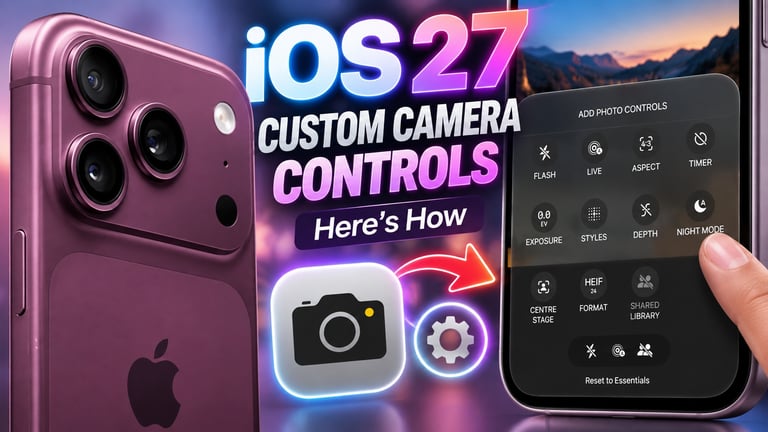

iOS 27 introduces customizable Camera app controls, letting users tailor and organize buttons to suit different shooting modes.
Customization is accessible by pressing and holding the top control row or tapping Edit in the upper-left, and can be set independently for photo, video, portrait, and cinematic modes.
The feature becomes available to all eligible devices with the final iOS 27 release, while pro-level manual options remain limited by hardware capabilities.
Certain pro-model features, such as Motion Mode and Dual Recording, may stay visible after saving to prevent loss of essential tools.
The article considers which tools should reside on the main camera interface for quick one-click access.
Users can drag and remove tools to declutter, but some elements cannot be fully removed to preserve usability; for example, Night Mode will still appear or auto-activate in low light.
Leaks and WWDC context suggest the feature was anticipated with hardware advances, notably around the iPhone 18 Pro models that introduced a variable-aperture camera and pro controls.
The goal is to boost flexibility by choosing which controls appear and where, with options including flash, exposure, timer, and resolution.
Source attribution: idropnews.com reported on iOS 27 camera customization.
Summary based on 1 source
Get a daily email with more Tech stories
Source
آي-فون إسلام • Sep 19, 2026
How to customize the buttons and tools in the Camera app in iOS 27 update